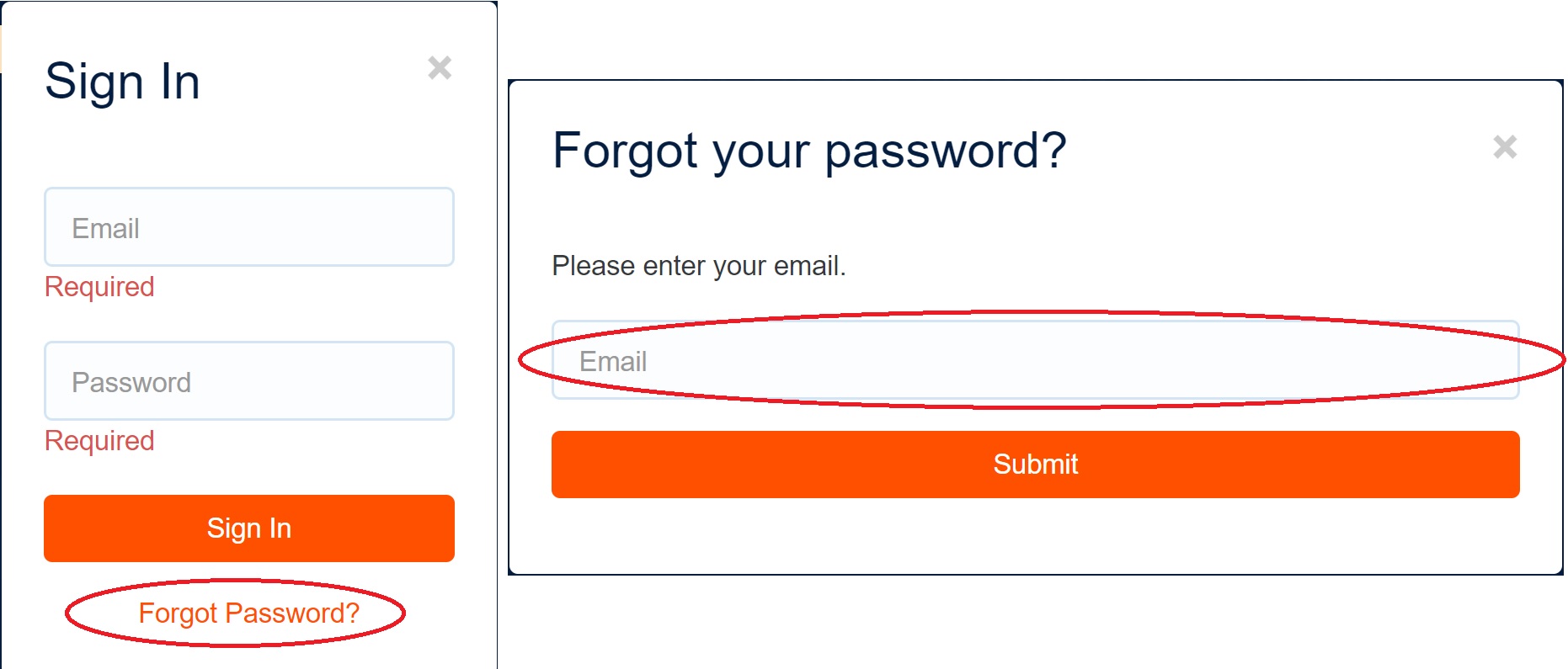
If you forget your password, click the sign-in button on the home page, then click “Forgot Password?” Enter your email on the “Forgot your password?” screen and click “Submit” to reset your password. Check your email’s inbox, as well as junk, "Promotions" or spam folders to ensure the email wasn’t sent to spam. Follow the instructions to reset your password.